The Observer Pattern in Agentic Engineering
When you transition from manual coding to using Cursor's Plan Mode, your role shifts from a builder to a supervisor. In this stage, the AI agent isn't just writing code; it is actively attempting to satisfy a set of requirements through a continuous loop of execution, observation, and correction. As an SE, your primary task is to monitor this 'Agentic Loop' to ensure the solution aligns with Salesforce best practices and your specific demo requirements.
The Self-Healing Loop
One of the most powerful aspects of Cursor is its ability to interpret error messages. If a deployment to your Salesforce org fails—perhaps due to a missing dependency or a validation rule—the agent will often read the CLI output, identify the cause, and attempt a fix automatically. You will see this as a series of 'attempts' or 'steps' in the Composer window. Watch for these key behaviors:
Error Parsing: Cursor reads the Salesforce CLI error logs and modifies the XML or Apex accordingly.
Step Sequencing: The agent may realize it needs to create a field before it can reference it in a Permission Set.
Terminal Integration: You will see the agent executing
sf project deploy startcommands on your behalf.
Intervention and Approval
While the agent is highly capable, it is not infallible. You are the ultimate gatekeeper. Before clicking 'Accept All' or 'Approve,' take a moment to review the logic. If you notice the agent going down a 'rabbit hole'—such as trying to fix a problem by deleting a necessary field—you should interrupt the build. Providing a small hint mid-stream, like 'Actually, check the validation rule on the Account object first,' can save minutes of wasted processing and keep your project on track.
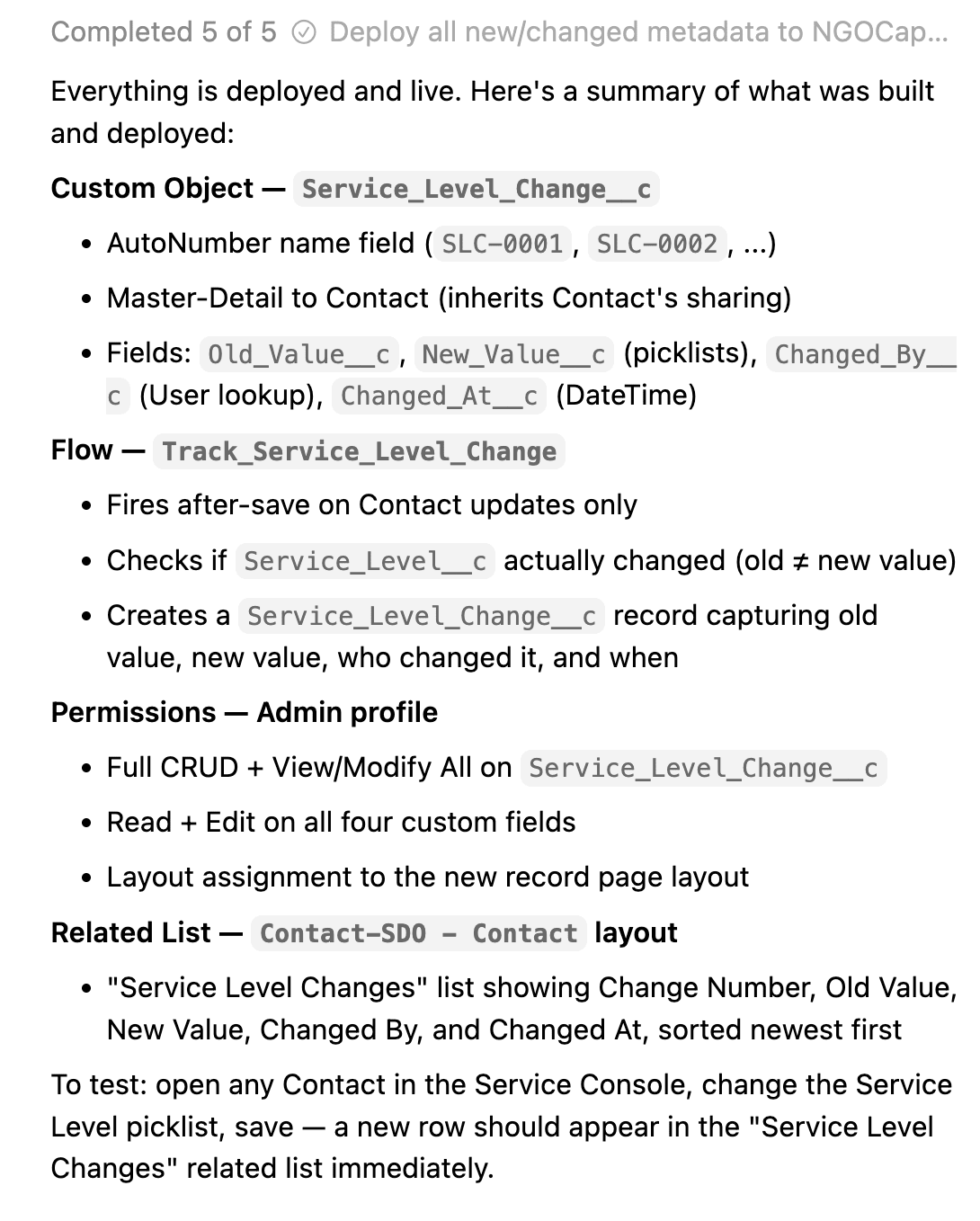
Success!
Hopefully, you'll see your agent accomplish the goals you gave it in plan mode.